
< 2 min
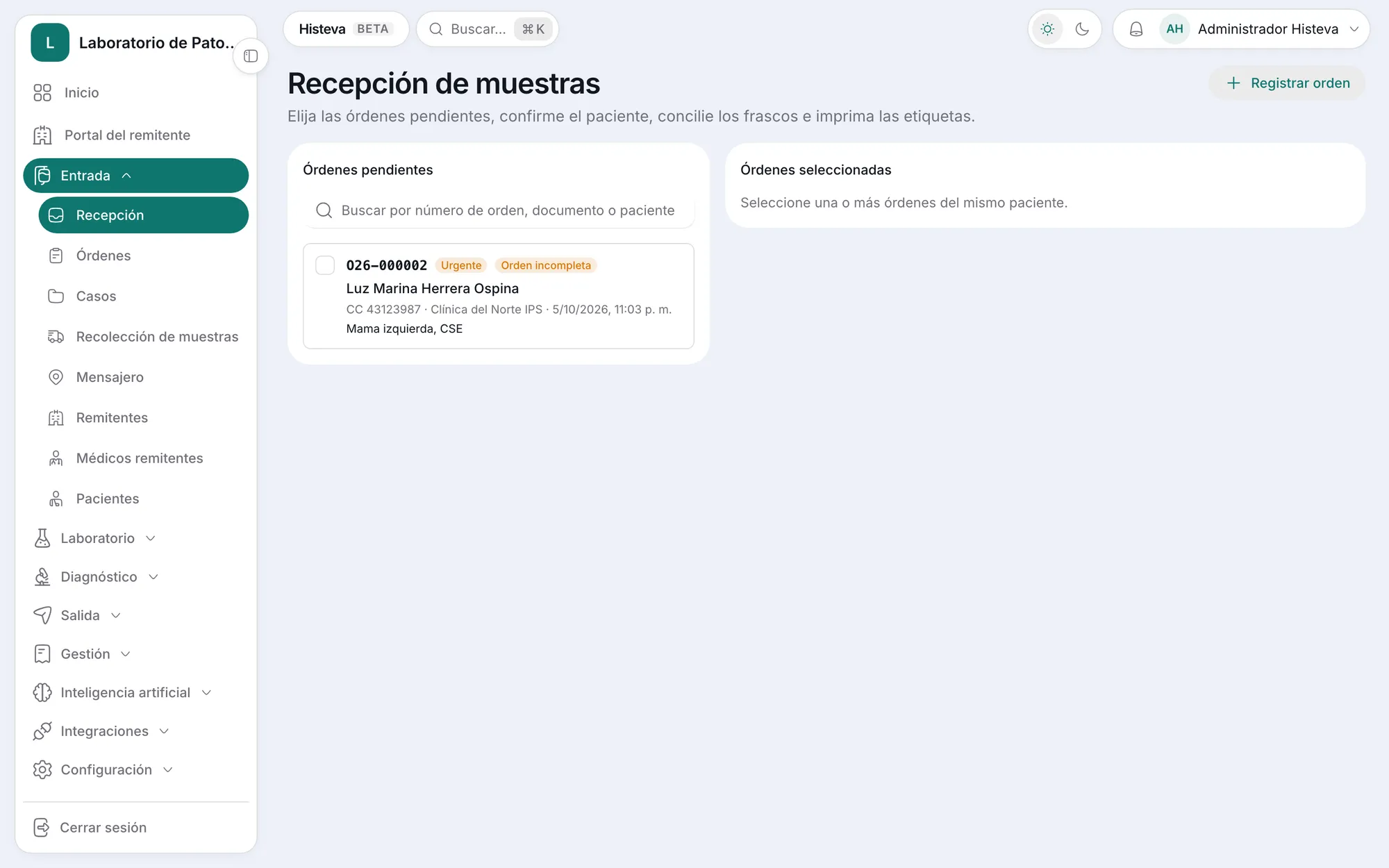
To register a case at accessioning
Two identifiers verified, containers reconciled and the DataMatrix label printed in seconds.
Histeva brings accessioning, histology, digital slides, synoptic reports, billing and regulatory reporting into one system for pathology and cytology labs in Colombia.
Screenshots with sample data. AI suggests; the pathologist decides and signs.
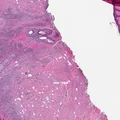
 BiopsiesBX
 Surgical specimensSP
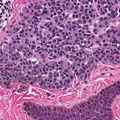 H&E stainingHE
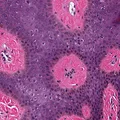 ImmunohistochemistryIHC
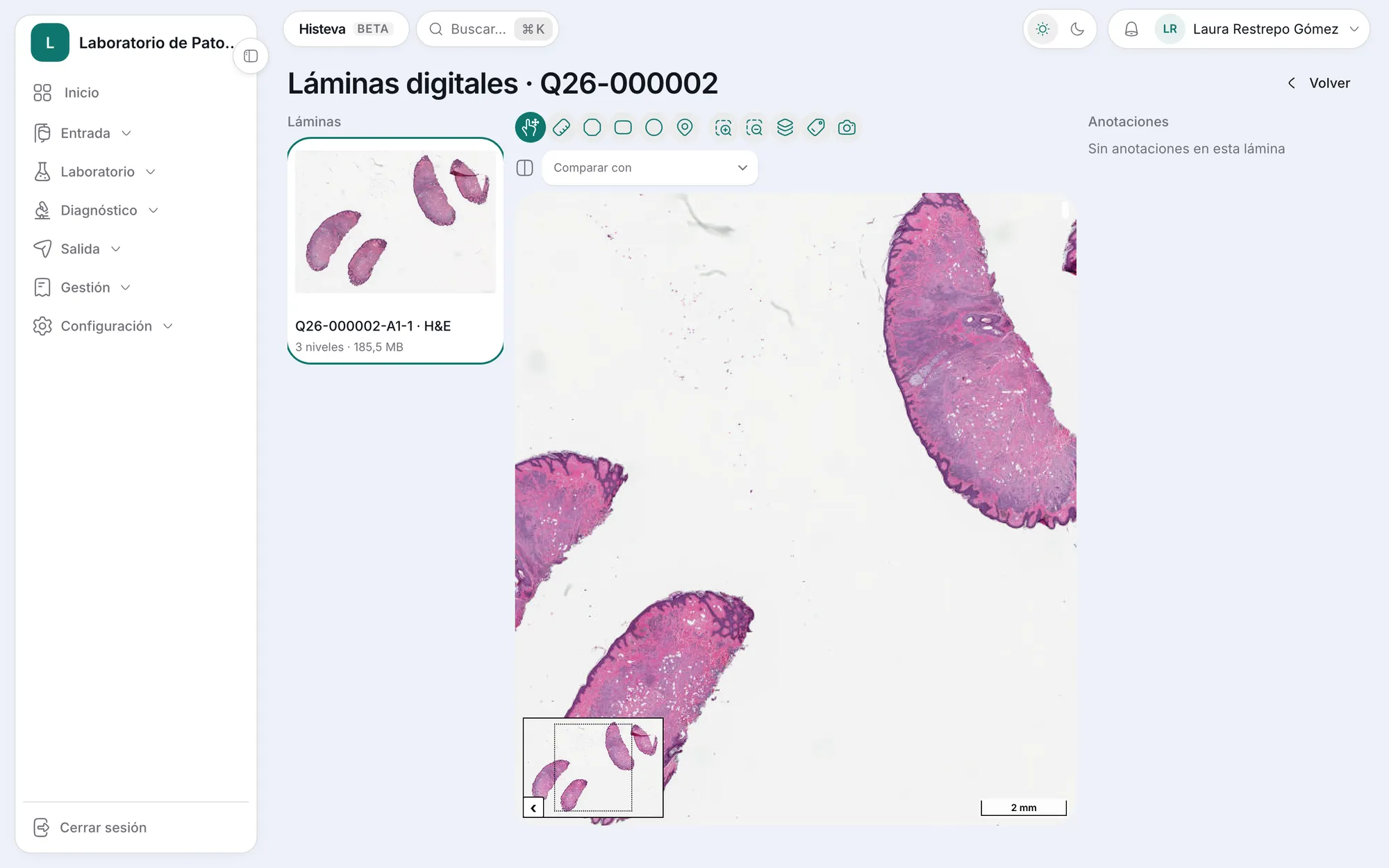
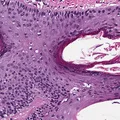 Digital slidesWSI
Specimens arrive from several sites, pass through many hands and end up in a report that gets billed and reported. Histeva tracks every container, block and slide by scan, so nobody has to ask where a case is.
< 2 min
Two identifiers verified, containers reconciled and the DataMatrix label printed in seconds.
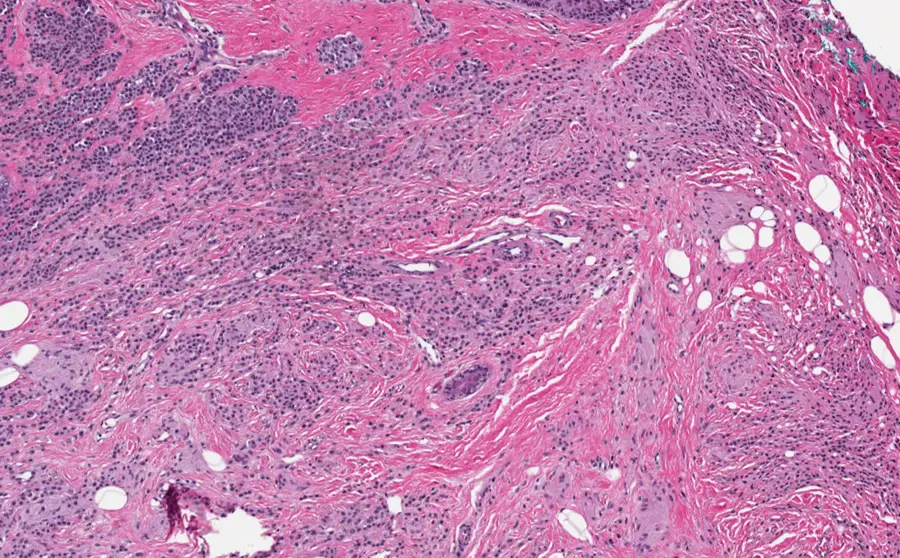
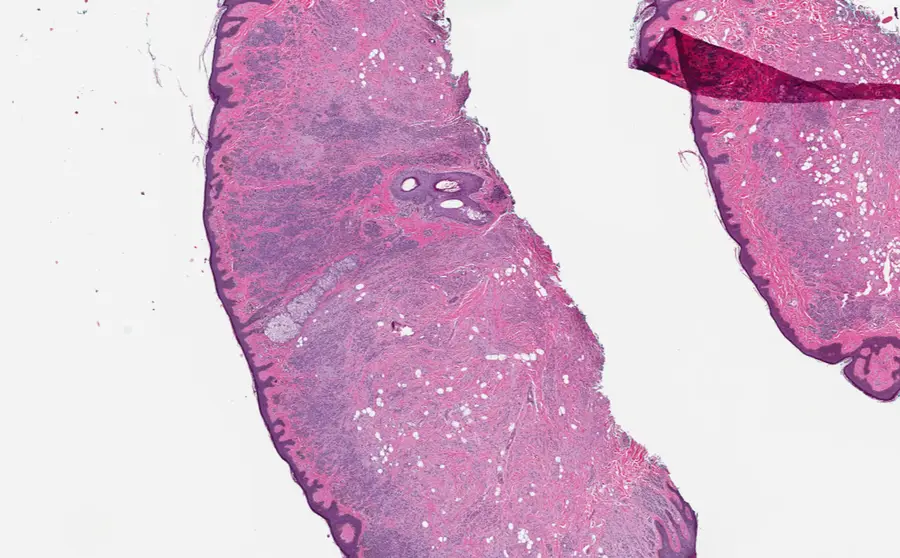
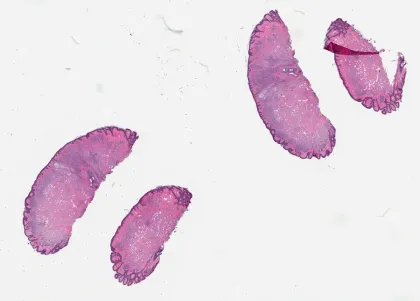
The scanner drops the slide into a folder and the Edge links it to the case by its code.
100%
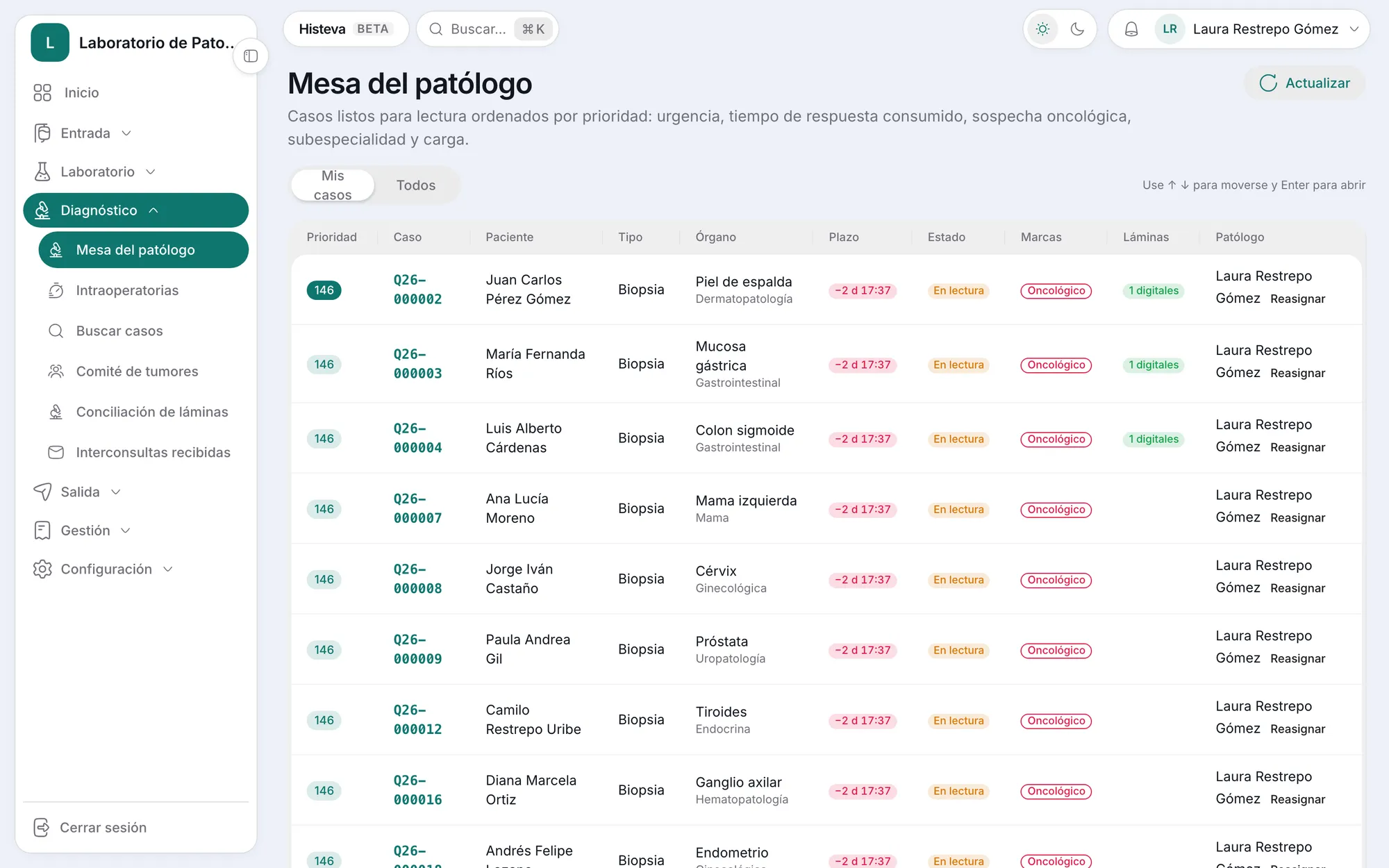
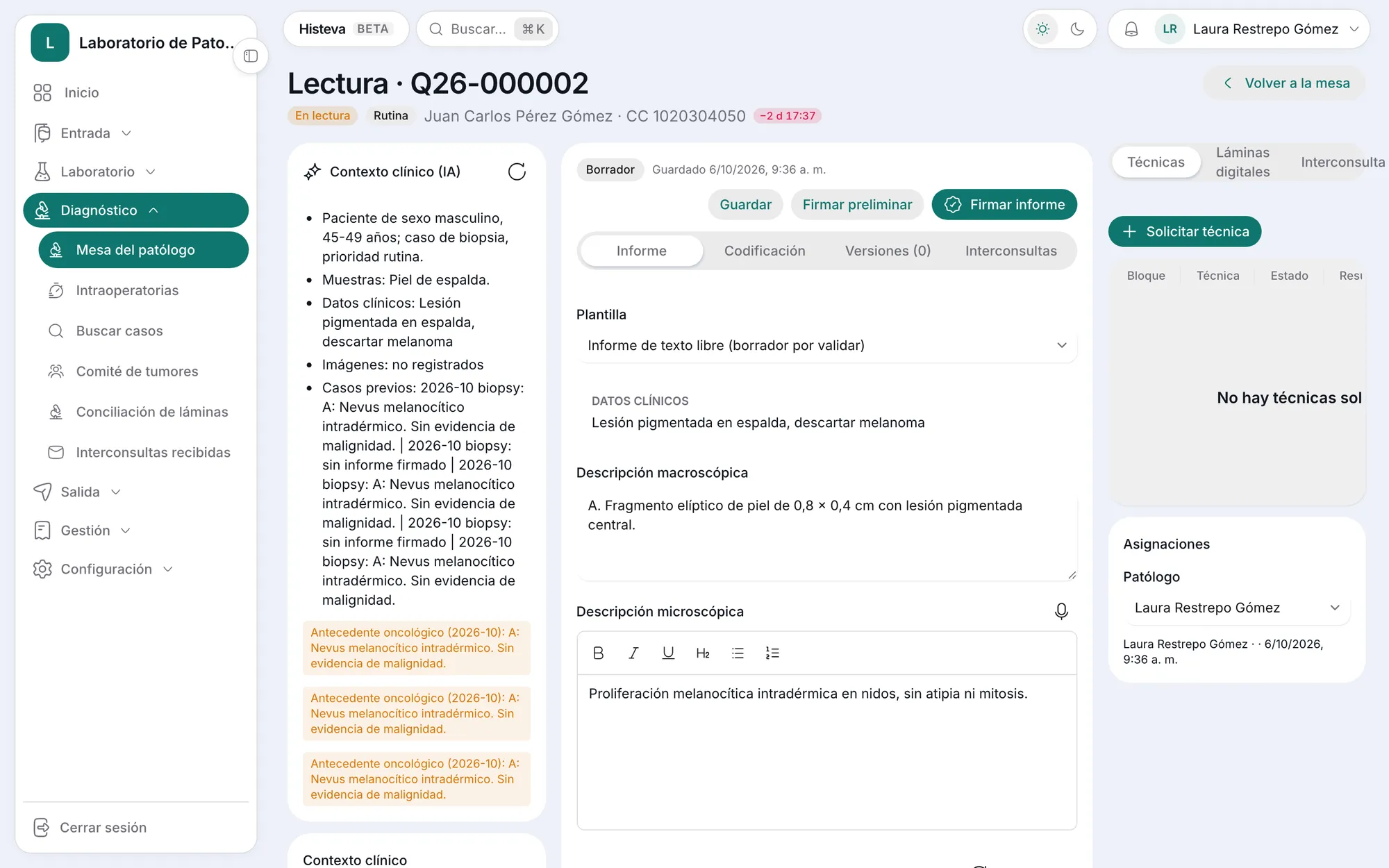
The system will not let anyone sign an oncology report while required synoptic fields are empty.
Accessioning, histology, diagnosis and sign-out share the same case. What is recorded once reaches everyone who needs it.
PID|Demo patient|CC 52418873
SPM|Biopsy|Back skin
OBR|898101|Basic stain study
It arrives over HL7 v2 or FHIR from the HIS, or through the referrer portal. You reconcile the containers and the label prints right away.
Guided grossing, processing, embedding, sectioning and staining. Every station scans and flags anything that arrives out of order.
The slide links itself to the case. The drafting agent proposes the synoptic report and the consistency agent checks it before sign-out.
You sign with two-factor and the report goes to the HIS, the portal and email. The invoice and regulatory reports are generated automatically.
Nine agents read orders, summarize the clinical context, propose the synoptic report, check consistency and suggest codes. Every suggestion is audited, and no agent signs or changes the status of a case.
Everyone sees what they need, with role-based permissions, two-factor for clinical roles and an audit trail of every access to health data.

< 2 min
Accessioning assistant
Registers the case, verifies two identifiers and the label prints right away, even offline.

56
Stains and 7 panels
The pathologist orders stains or IHC panels in one click and reagent use is deducted automatically.

3 days
Lab director
Sees turnaround in business days, productivity per pathologist and profitability per payer contract.
22
Report templates12
Subspecialties13
System rolesIntegration, scanners, AI, sign-out and billing. Can't find your answer? We reply within one business day.
No. Histeva is sold on its own and integrates with any HIS over HL7 v2 or FHIR R4. If a referring client has no interface, they send orders through the portal.
No. You can start with a microscope. Slides you scan later link themselves to their case through the DataMatrix code, with no migration.
The site's Edge keeps receiving specimens, scanning and printing labels with reserved numbers, and syncs when the connection comes back. Signing a report does require a connection.
Scanners that produce native DICOM, plus Aperio (SVS), Hamamatsu (NDPI), 3DHistech (MRXS), Philips (iSyntax) and Zeiss (CZI) through conversion at the Edge.
No. It suggests, summarizes, checks consistency and codes. The pathologist accepts, edits or rejects, and no agent signs or changes the status of a case.
Yes. DIAN electronic invoicing, RIPS with CUV, claim submission, payer objections and accounts receivable, with charges generated from signed cases.
What pathology software, or a lab LIS, should do from specimen container to invoice, with a neutral checklist to evaluate any option in Colombia.
Digital pathology in practice: how big a slide is, which scanner formats convert to DICOM WSI, and how to go from microscope to digital without migrating data.
What a synoptic pathology report is, how ICCR protocols and ICD-O-3.2 coding are used, and why a complete report reaches the CAC ready to submit.
Book a demo and we'll show you Histeva with sample cases from your specialty.


 Accessioning, histology, diagnosis and sign-out in one system.